
The AI Video Platform
for Tutorials & Demos
Produce studio-quality tutorials from raw screen recordings with narration and visuals perfectly aligned in minutes





4.9 rating on G2



1. Record silently or speak freely
Record your workflow on Mac or Windows — silently or with natural narration

2. Edit your script like a doc
Our AI creates a polished script and — if you spoke — transcribes and refines your words into a natural voiceover.

3. Publish in studio quality
Transform your footage into a studio‑quality video ready to publish on YouTube, Vimeo, embed, or share.
Polished tutorials made easy
with a touch of AI magic.
AI Screen Recording
Forget endless video retakes. No more complex video editors.
Create videos with AI voice in text format

AI voiceover
Transforms your raw voice recording or your script into a lifelike AI voiceover.

Edit like a doc
Simply update your script and watch changes appear instantly.

Automatic zooming
Make your tutorials to more engaging by focusing attention on what truly matters.
AI scriptwriting & alignment
Enhance your text instantly using smart AI tools or request a tailored suggestion and auto-align your voice over with your video.

Background music
Add studio quality, human-like voices in 30+ languages.

Cursor effects
Tailor your cursor's design to ensure seamless interaction.

Blur &
Highlight
Hide confidential data on your screen effortlessly,
or highlight important details.

Your Brand.
Your Style.
Your Story.
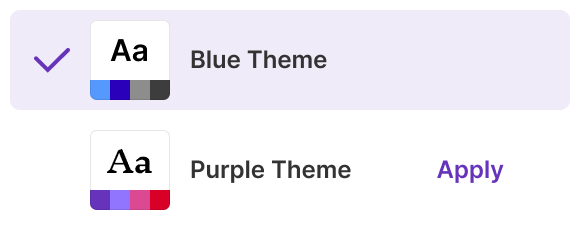
Ensure brand consistency
in every video with Brand Kits
in every video with Brand Kits
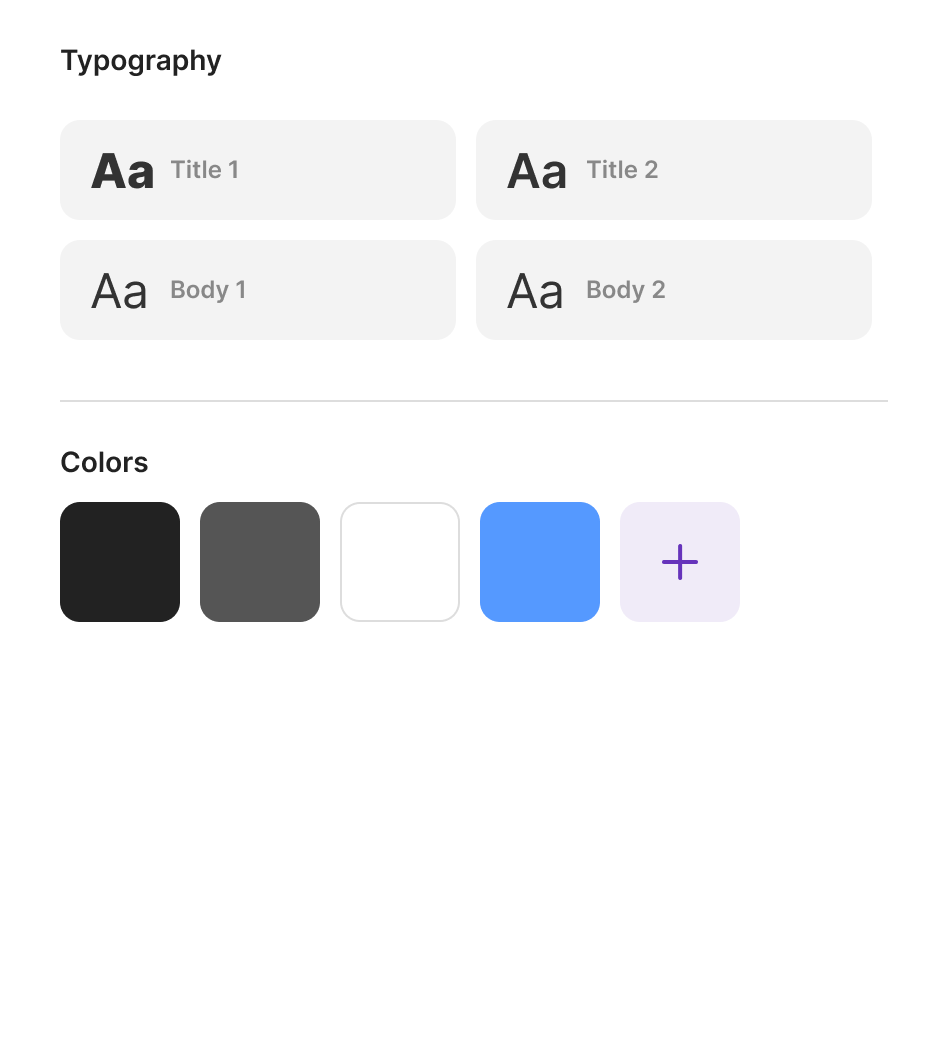
Easily add your logo, set your colors, and define your style.
Tutorial AI keeps every video on-brand.
Tutorial AI keeps every video on-brand.

Animated Slides
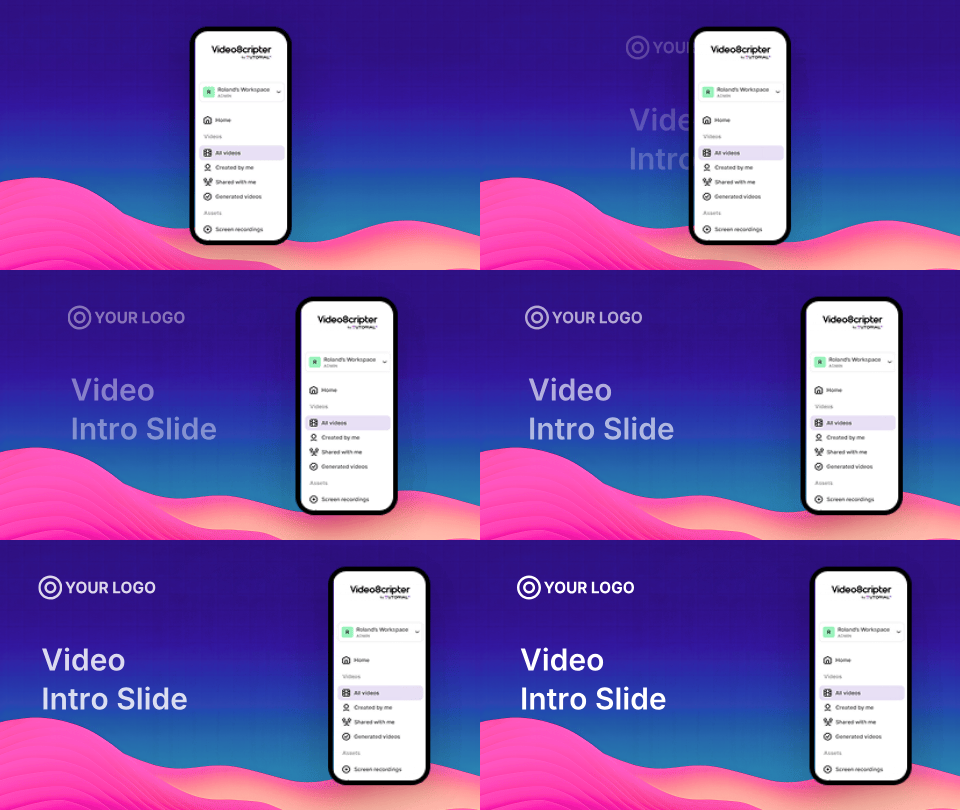
Add Intro and agenda slides to frame and separate your video content.

Custom fonts
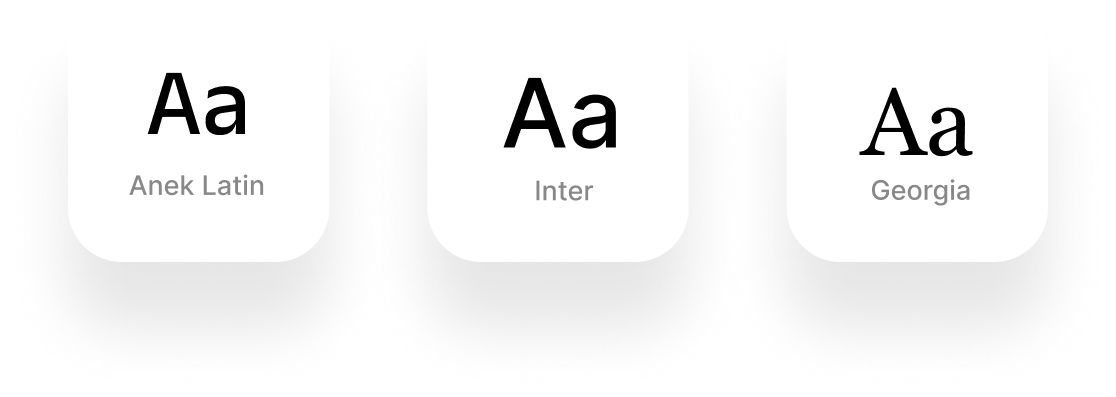
Add custom fonts to your workspace and use it in any video!
Translate
without
timeline surgery.
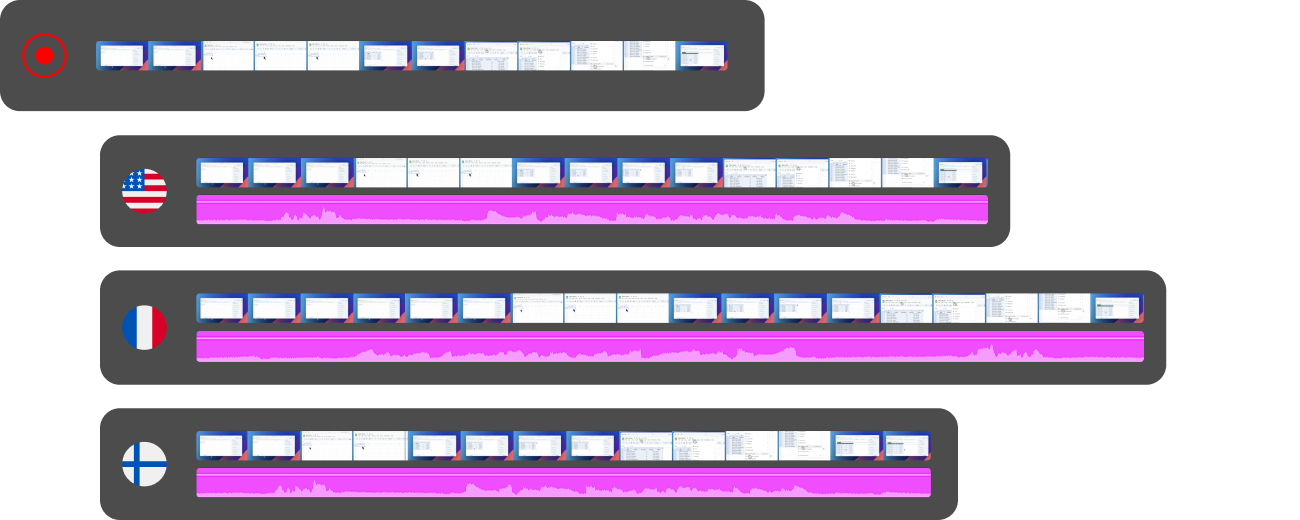
AutoRetime™ Translations
30+ languages with one click
Languages vary in length. AutoRetime™ automatically adapts video timing, keeping captions, call-outs, click events, and cuts flawlessly in sync.

Embed your videos
into your favorite tools
Streamline your video creation process by embedding your videos into your authoring tool, LMS, CMS, CRM and more.









Transform your
Team's Workflow
Invite your teammates
Set up workspaces, invite members, share videos with guest users

Publishing
& Video Embeds
Export, publish as a shareable link, or embed the video into your own platforms.

Updates
& Versioning
Refresh your videos and produce new versions in minutes to ensure your content stays up to date.

Choose the Perfect Plan
🌟 Free trial
Free
/

1 Editor seat
Recorder for Windows and macOS
3 video projects
AI Script generation
AI Voice narration
1080p export quality
🛠️ Solo
$29
/seat
1 Editor seat
3 Guest seats
Unlimited projects
10 mins / month
AI Transcription
AI Script generation
Video hosting
4K export quality
🚀 Growth
$89
/seat

All in Solo plan
5 Guest seats
1-Click Translation
Animated Slides
Advanced AI voices
IPhone / IPad recording
30 mins / month
4K export quality

💼 Enterprise
Let's talk
/
All in Growth Plan
Unlimited Workspaces
Multiple Editors
Custom AI voices
Voice Cloning
Custom Fonts
Brand kit
Priority Support
🌟 Free
Free
/month, billed annually
1 Editor seat
Recorder for Windows and macOS
3 video projects
AI Script generation
AI Voice narration
1080p export quality
🛠️ Solo
$18
/seat/mo, billed annually
1 Editor seat
3 Guest seats
Unlimited projects
120 mins / year
AI Transcription
AI Script generation
Video hosting
4K export quality
🚀 Growth
$64
/seat/mo, billed annually
All in Solo plan
5 Guest seats
1-Click Translation
Animated Slides
Advanced AI voices
IPhone / IPad recording
360 mins / year
4K export quality
💼 Enterprise
Let's talk
/month, billed annually
All in Growth Plan
Unlimited Workspaces
Multiple Editors
Custom AI voices
Voice Cloning
Custom Fonts
Brand kit
Priority Support
Questions & Answers
How is Tutorial Ai different?

Do you record my voice?
How do you align audio with video?
Does it work on Windows and MacOS?
How many videos can I create each month?
What if I need to generate more videos initially?


